Demo Scenarios
These recorded videos demonstrate how BrowserPilot works on the public Odoo storefront and inside the Odoo admin panel on real workflow examples.
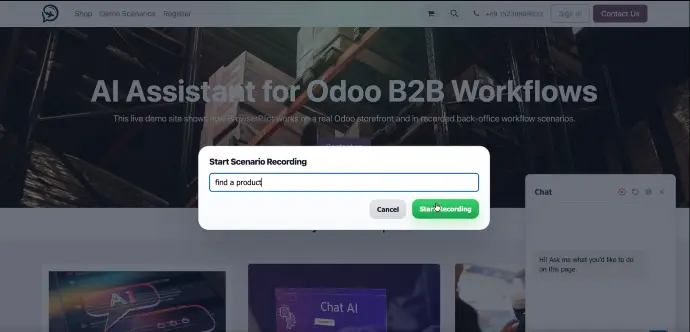
Find a product
BrowserPilot opens the public Odoo shop and finds a specific product without requiring admin access.
Prompt: "Open the shop and find Acoustic Bloc Screens."
Expected result: The Acoustic Bloc Screens product page is opened.
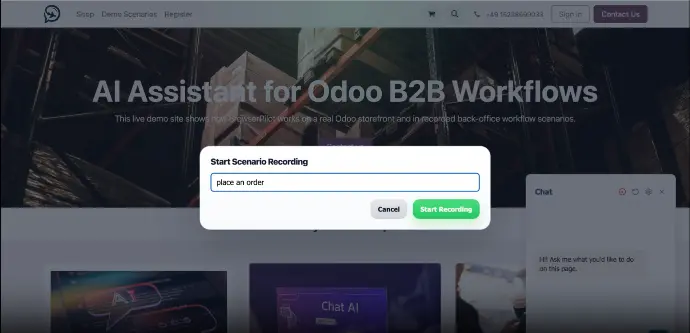
Place an order
BrowserPilot finds a product, adds it to the cart, completes checkout, and places an order through the public storefront.
Prompt: "Open the shop, find Acoustic Bloc Screens, add it to the cart, and place an order"
Expected result: The order is placed successfully and the confirmation page is shown.
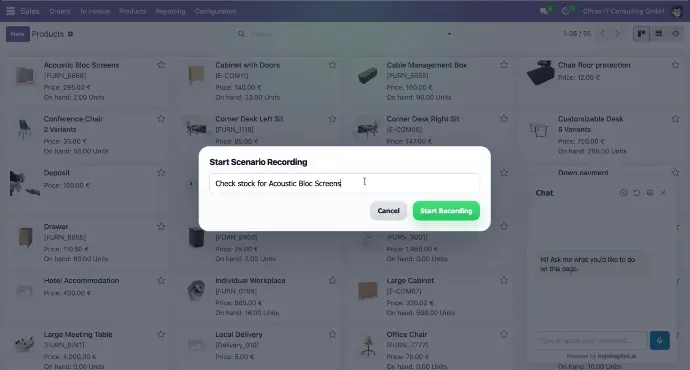
Check stock
BrowserPilot opens a product and checks its current inventory level.
Prompt: "Check the stock for Acoustic Bloc Screens"
Expected result: The product page is opened and the current on-hand quantity is shown.
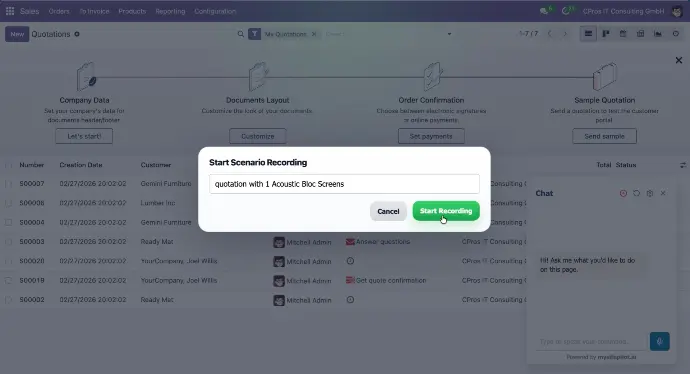
Create a quotation
BrowserPilot creates a new quotation for a B2B customer with selected products and quantities.
Prompt: "Create a quotation for BlueWave Retail with 2 Acoustic Bloc Screens"
Expected result: A new quotation is created and saved for BlueWave Retail.
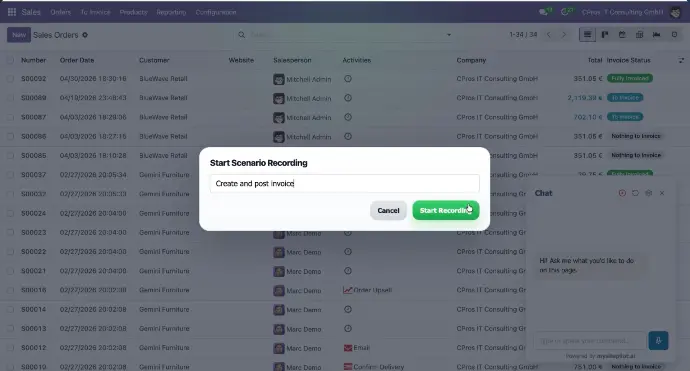
Create and post invoice
BrowserPilot opens a sales order, creates an invoice, and posts it.
Prompt: "Open the BlueWave Retail sales order, create an invoice, and post it."
Expected result: The invoice is created and its status becomes Posted.
Want to create your own scenarios?
Register with MySitePilot and start building guided workflow automations in your own environment.